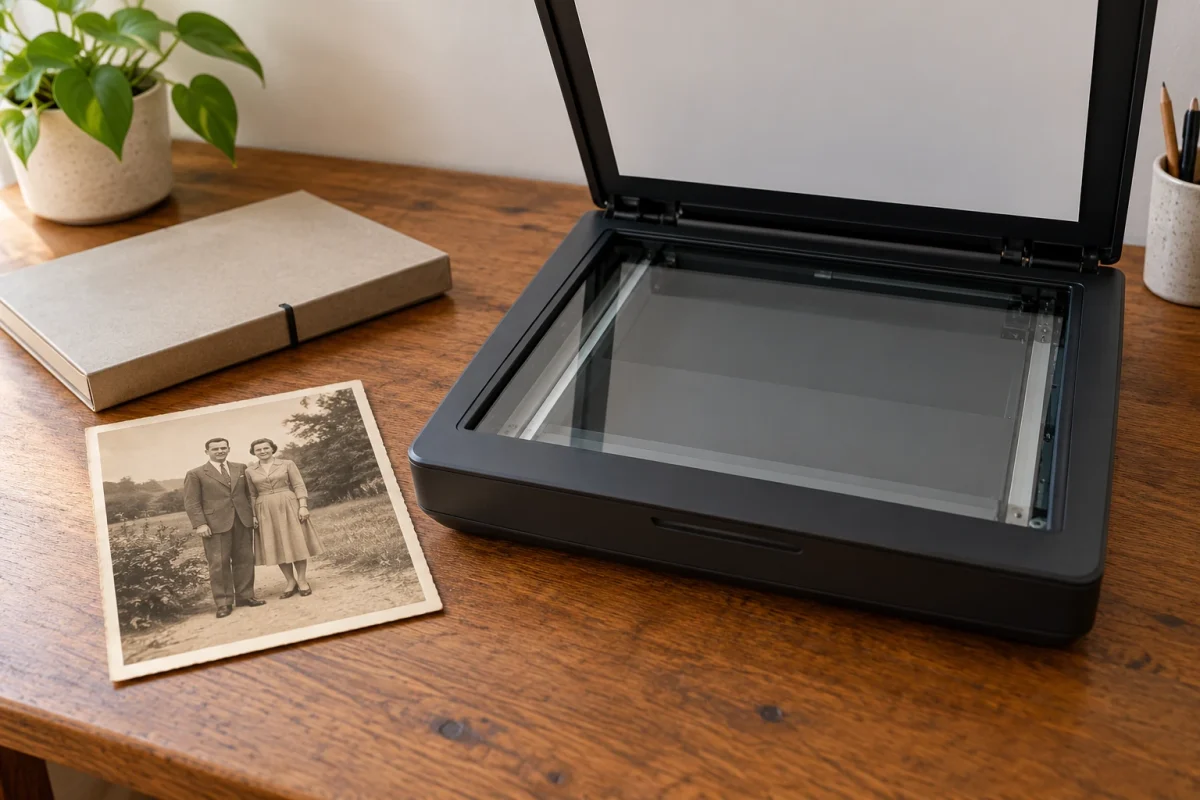
Prepare a complete scan, keep a separate master, and send clear notes on important details before restoring an old photograph.
Below you'll find a list of all posts that have been categorized as “Photo Editing”
Prepare a complete scan, keep a separate master, and send clear notes on important details before restoring an old photograph.
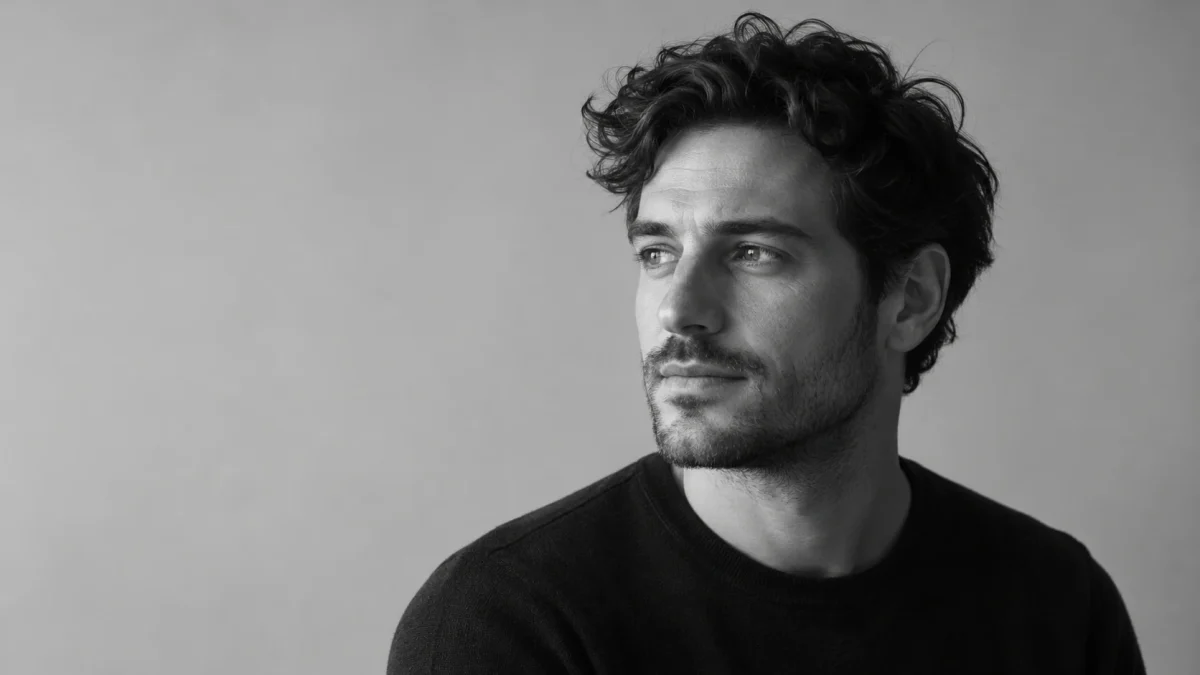
Separate the face from the background with thoughtful tones. Protect eye and hair detail, then decide whether added grain helps.

Tidy small distractions without damaging patterns, shadows, or edges. Know when to undo a change or stop.

Separate camera tilt from converging verticals, protect proportions, and choose between cropping and inspecting filled edges.

Choose local adjustments, soften the selection, and review a backlit portrait without changing its character.

Review the crop, identity, AI-generated details, and exported copy before sharing your photograph.

Build a clear sequence, keep small-screen text readable, and align your photos with useful companion copy.
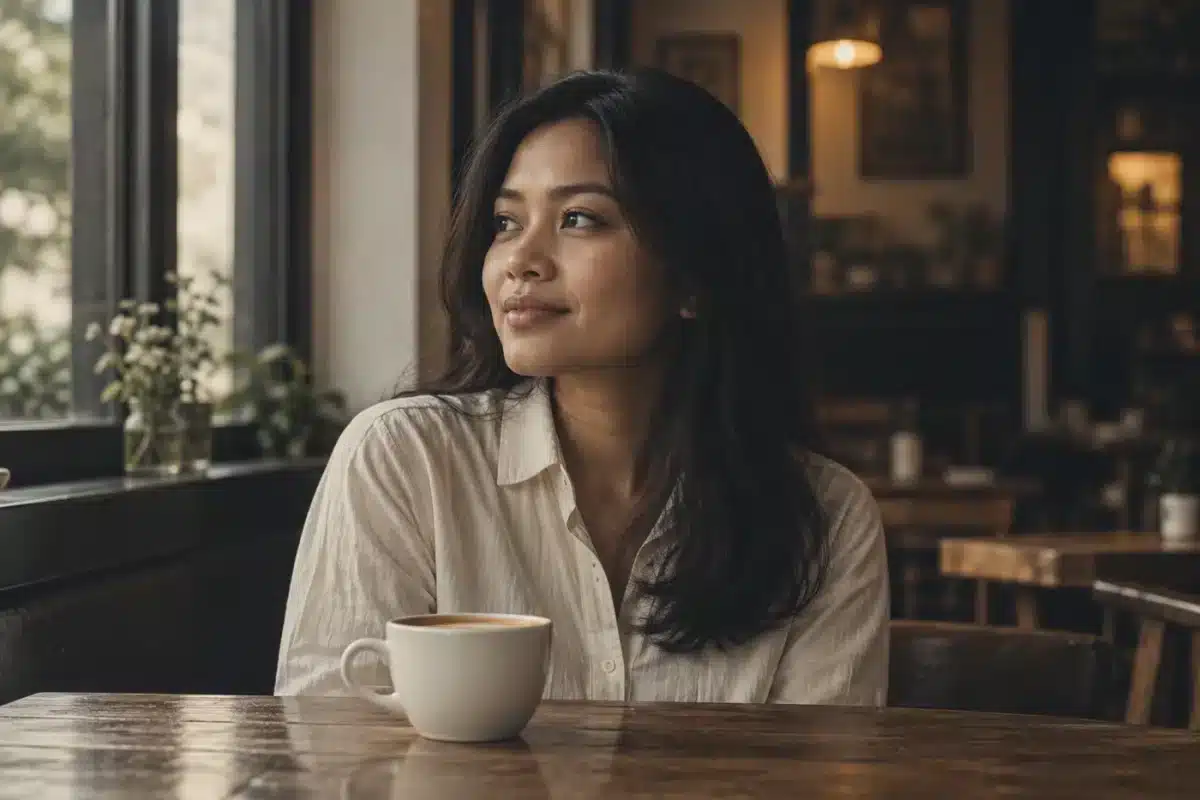
Build a warm cafe mood while keeping skin, neutral objects, and fine edges believable.
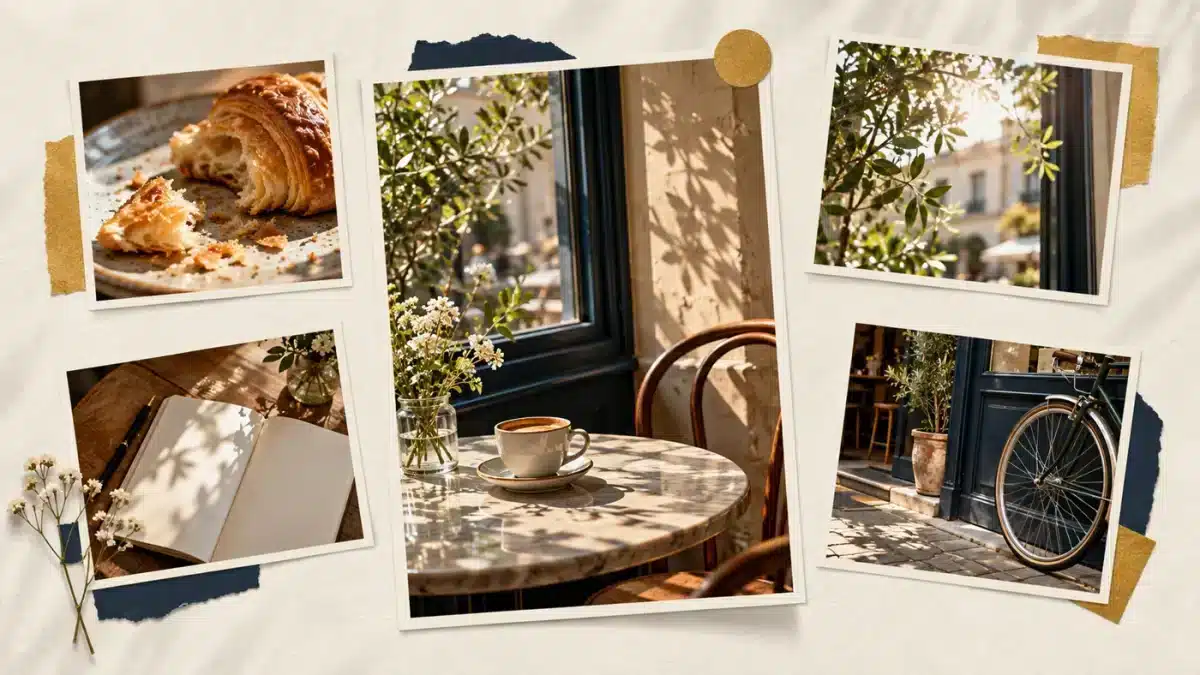
Choose a story, arrange grids and crops, and review your collage on a phone without losing important details.

Start with light, adjust colour in small steps, then check the details before sharing.