Separate hue, saturation, and luminance, then check other objects sharing a colour before keeping an adjustment.
Below you'll find a list of all posts that have been categorized as “Photo Editing”
Separate hue, saturation, and luminance, then check other objects sharing a colour before keeping an adjustment.
Understand attribution, adaptation and sharing permissions, commercial use, and the rights of people shown before posting an edit.
Choose a simple subject, adjust focus shape and transition, and ease off if its base or shadow feels disconnected.

Read tonal distribution, inspect important details, and judge the mood without chasing one ideal graph.
Revisit one decision in an available photo stack, reapply later steps, and review the complete result.
Plan a two-photo composite with one clear idea, a readable main shape, and properly cleared sources.
Adjust the center and edge brightness to emphasize your subject while keeping useful context visible.

Adjust midtone contrast to reveal shape while preserving believable texture, highlights, and shadows.
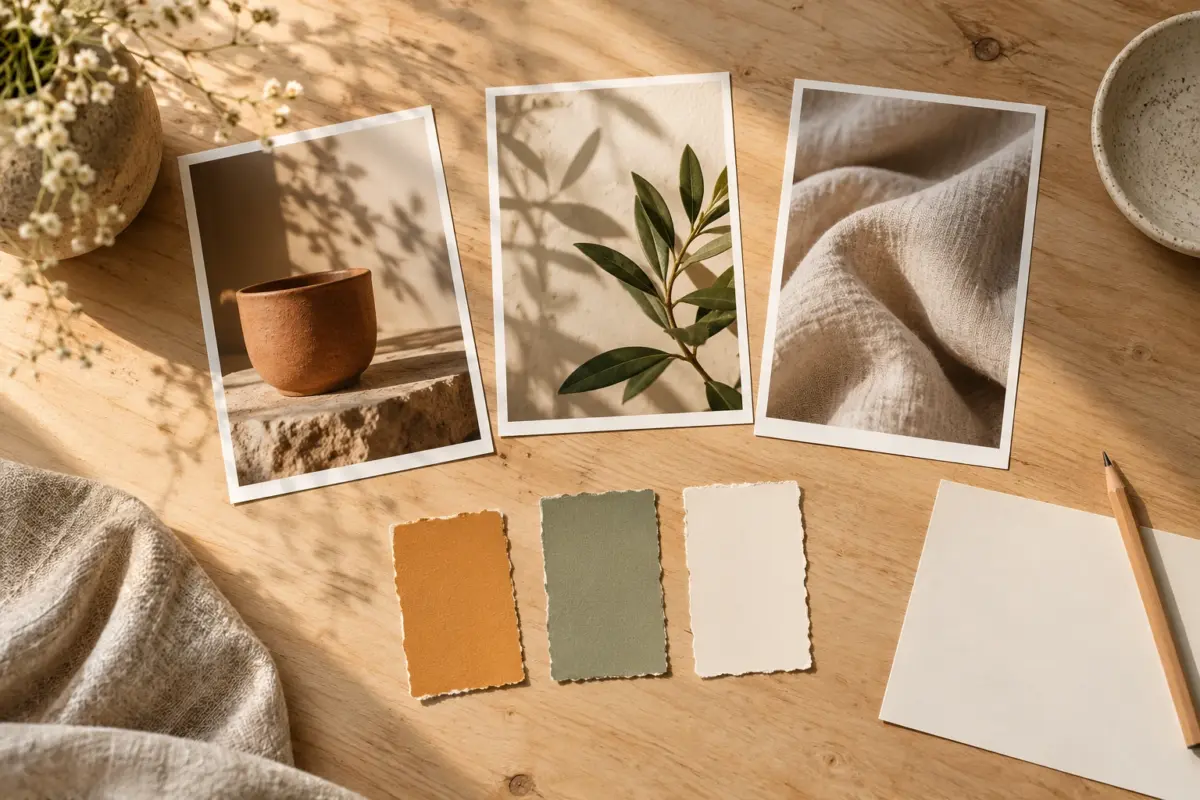
Agree on light, colour, texture, and protected details with clear references before choosing a preset.

Choose useful texture, distinguish the two Details controls, and ease off when edges, skin, or speckles become distracting.